

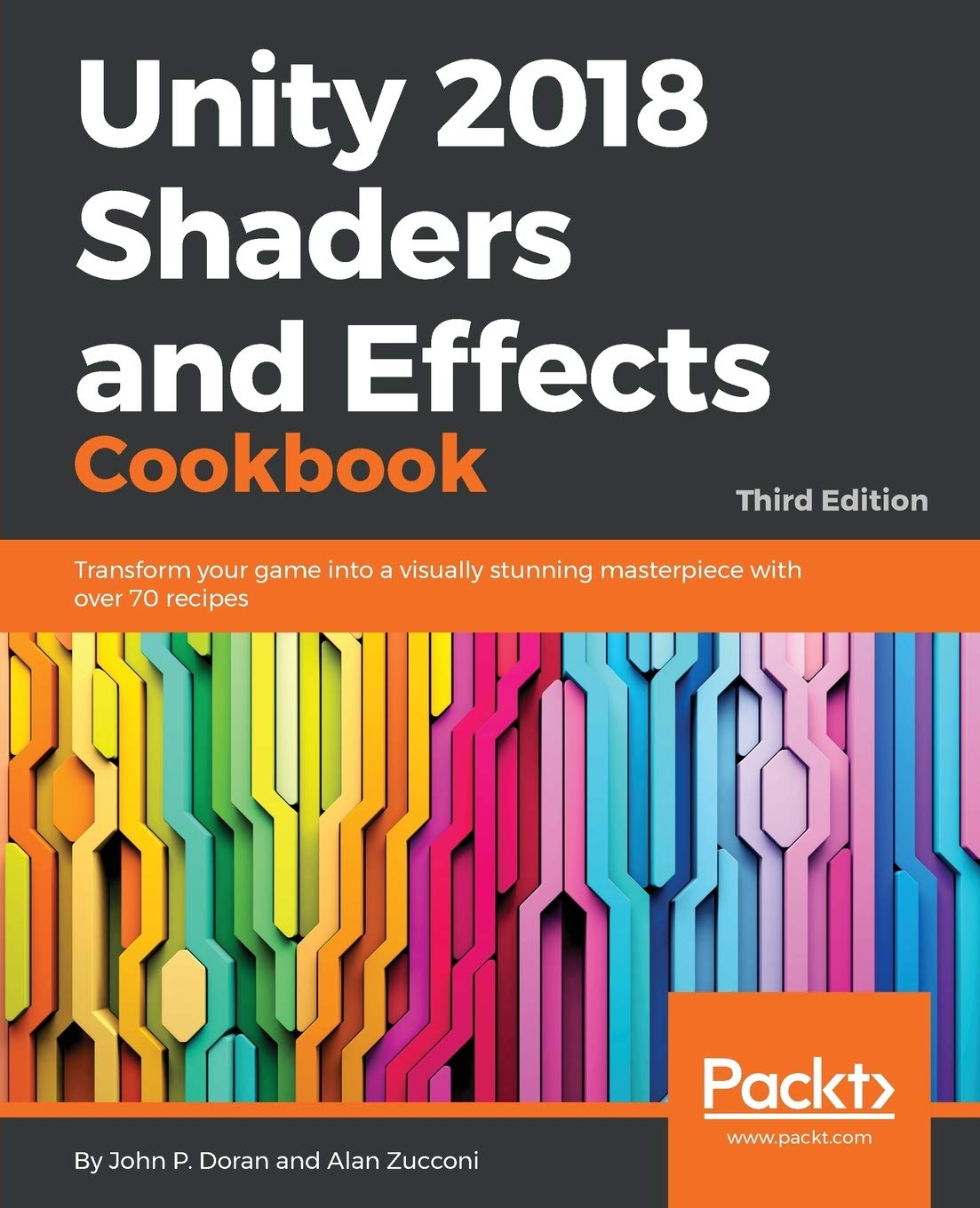
Unity 2018 Shaders and Effects Cookbook Transform your game into a visually stunning masterpiece with over 70 recipes 3rd Editionby by John P Doran, Alan Zucconi ISBN 1788396235 9781788396233

Original price was: $50.00.$35.00Current price is: $35.00.
Unity 2018 Shaders and Effects Cookbook Transform your game into a visually stunning masterpiece with over 70 recipes 3rd Edition by John P Doran, Alan Zucconi – Ebook PDF Instant Download/Delivery: 1788396235, 9781788396233
Full download Unity 2018 Shaders and Effects Cookbook Transform your game into a visually stunning masterpiece with over 70 recipes 3rd Edition after payment
Product details:
ISBN 10: 1788396235
ISBN 13: 9781788396233
Author: John P Doran, Alan Zucconi
Since their introduction to Unity, shaders have been seen as notoriously difficult to understand and implement in games. Complex mathematics has always stood in the way of creating your own shaders and attaining the level of realism you crave.
Unity 2018 Shaders and Effects Cookbook changes that by giving you a recipe-based guide to creating shaders using Unity. It will show you everything you need to know about vectors, how lighting is constructed with them, and how textures are used to create complex effects without the heavy math.
This book starts by teaching you how to use shaders without writing code with the post-processing stack. Then, you’ll learn how to write shaders from scratch, build up essential lighting, and finish by creating stunning screen effects just like those in high-quality 3D and mobile games. You’ll discover techniques, such as normal mapping, image-based lighting, and animating your models inside a shader. We’ll explore how to use physically based rendering to treat light the way it behaves in the real world. At the end, we’ll even look at Unity 2018’s new Shader Graph system.
Unity 2018 Shaders and Effects Cookbook Transform your game into a visually stunning masterpiece with over 70 recipes 3rd Table of contents:
- Copyrights and Credits
- Unity 2018 Shaders and Effects Cookbook Third Edition
- PacktPub.com
- Why subscribe?
- PacktPub.com
- Contributors
- About the authors
- About the reviewers
- Packt is searching for authors like you
- Preface
- Who this book is for
- What this book covers
- To get the most out of this book
- Download the example code files
- Download the color images
- Conventions used
- Sections
- Getting ready
- How to do it…
- How it works…
- There’s more…
- See also
- Get in touch
- Reviews
- Post Processing Stack
- Introduction
- Installing the Post Processing Stack
- Getting ready
- How to do it…
- Getting a filmic look using grain, vignetting, and depth of field
- Getting ready
- How to do it…
- How it works…
- Mimicking real life with bloom and anti-aliasing
- Getting ready
- How to do it…
- How it works…
- Setting mood with color grading
- Getting ready
- How to do it…
- Creating a horror game look with fog
- Getting ready
- How to do it…
- How it works…
- Creating Your First Shader
- Introduction
- Creating a basic Standard Shader
- Getting ready
- How to do it…
- How it works…
- There’s more…
- Adding properties to a shader
- Getting ready
- How to do it…
- How it works…
- See also
- Using properties in a Surface Shader
- How to do it…
- How it works…
- There’s more…
- See also
- Surface Shaders and Texture Mapping
- Introduction
- Diffuse shading
- Getting ready
- How to do it…
- How it works…
- Accessing and modifying packed arrays
- How to do it…
- There’s more…
- See also
- Adding a texture to a shader
- Getting ready
- How to do it…
- How it works…
- There’s more…
- See also
- Scrolling textures by modifying UV values
- Getting ready
- How to do it…
- How it works…
- Creating a shader with normal mapping
- Getting ready
- How to do it…
- How it works…
- There’s more…
- Creating a transparent material
- Getting ready
- How to do it…
- How it works…
- Creating a Holographic Shader
- Getting ready
- How to do it…
- How it works…
- There’s more…
- See also
- Packing and blending textures
- Getting ready
- How to do it…
- How it works…
- Creating a circle around your terrain
- Getting ready
- How to do it…
- Moving the circle
- How it works…
- Understanding Lighting Models
- Introduction
- Creating a custom diffuse lighting model
- Getting ready
- How to do it…
- How it works…
- Creating a toon shader
- Getting ready
- How to do it…
- How it works…
- There’s more…
- Creating a Phong Specular type
- Getting ready
- How to do it…
- How it works…
- Creating a BlinnPhong Specular type
- Getting ready
- How to do it…
- How it works…
- See also
- Creating an Anisotropic Specular type
- Getting ready
- How to do it…
- How it works…
- Physically-Based Rendering
- Introduction
- Understanding the metallic setup
- Getting ready
- How to do it…
- How it works…
- See also
- Adding transparency to PBR
- Getting ready
- How to do it…
- Semi-transparent materials
- Fading objects
- Solid geometries with holes
- See also
- Creating mirrors and reflective surfaces
- Getting ready
- How to do it…
- How it works…
- See also
- Baking lights in your scene
- Getting ready
- How to do it…
- Configuring the static geometry
- Configuring the light probes
- Baking the lights
- How it works…
- See also
- Vertex Functions
- Introduction
- Accessing a vertex color in a Surface Shader
- Getting ready
- How to do it…
- How it works…
- There’s more…
- Animating vertices in a Surface Shader
- Getting ready
- How to do it…
- How it works…
- Extruding your models
- Getting ready
- How to do it…
- How it works…
- There’s more…
- Adding extrusion maps
- Implementing a snow shader
- Getting ready
- How to do it…
- How it works…
- Coloring the surface
- Altering the geometry
- See also
- Implementing a volumetric explosion
- Getting ready
- How to do it…
- How it works…
- There’s more…
- See also
- Fragment Shaders and Grab Passes
- Introduction
- Understanding Vertex and Fragment Shaders
- Getting ready
- How to do it…
- How it works…
- There’s more…
- Input semantics
- Output semantics
- See also
- Using the grab pass to draw behind objects
- Getting ready
- How to do it…
- How it works…
- There’s more…
- Implementing a Glass Shader
- Getting ready
- How to do it…
- How it works…
- There’s more…
- Implementing a Water Shader for 2D games
- Getting ready
- How to do it…
- How it works…
- Mobile Shader Adjustment
- Introduction
- Techniques to make shaders more efficient
- Getting ready
- How to do it…
- How it works…
- Profiling your shaders
- Getting ready
- How to do it…
- How it works…
- There’s more…
- Modifying our shaders for mobile
- Getting ready
- How to do it…
- How it works…
- Screen Effects with Unity Render Textures
- Introduction
- Setting up the screen effects script system
- Getting ready
- How to do it…
- How it works…
- There’s more…
- Using brightness, saturation, and contrast with screen effects
- Getting ready
- How to do it…
- How it works…
- Using basic Photoshop-like Blend modes with screen effects
- Getting ready
- How to do it…
- How it works…
- There’s more…
- Using the Overlay Blend mode with screen effects
- How to do it…
- How it works…
- Gameplay and Screen Effects
- Introduction
- Creating an old movie screen effect
- Getting ready
- How to do it…
- How it works…
- See also
- Creating a night vision screen effect
- Getting ready
- How to do it…
- How it works…
- There’s more…
- Advanced Shading Techniques
- Introduction
- Using Unity’s built-in CgInclude files
- Getting ready
- How to do it…
- How it works…
- There’s more…
- Making your shader world in a modular way with CgInclude
- Getting ready
- How to do it…
- How it works…
- Implementing a Fur Shader
- Getting ready
- How to do it…
- How it works…
- There’s more…
- Implementing Heatmaps with arrays
- Getting ready
- How to do it…
- How it works…
- Shader Graph
- Introduction
- Creating a Shader Graph project
- How to do it…
- How it works…
- Implementing a simple a Shader Graph
- Getting ready
- How to do it…
- How it works…
- Exposing properties to the Inspector via Shader Graph
- Getting ready
- How to do it…
- How it works…
- Implementing a glowing highlight system
- Getting ready
- How to do it…
- How it works…
- Other Books You May Enjoy
- Leave a review – let other readers know what you think
People also search for Unity 2018 Shaders and Effects Cookbook Transform your game into a visually stunning masterpiece with over 70 recipes 3rd:
unity 2018 shaders and effects cookbook
unity 2021 shaders and effects cookbook
unity 2018 shaders and effects cookbook pdf download
unity 5.x shaders and effects cookbook
unity 5.x shaders and effects cookbook pdf download
Tags: John P Doran, Alan Zucconi, Effects Cookbook, game