

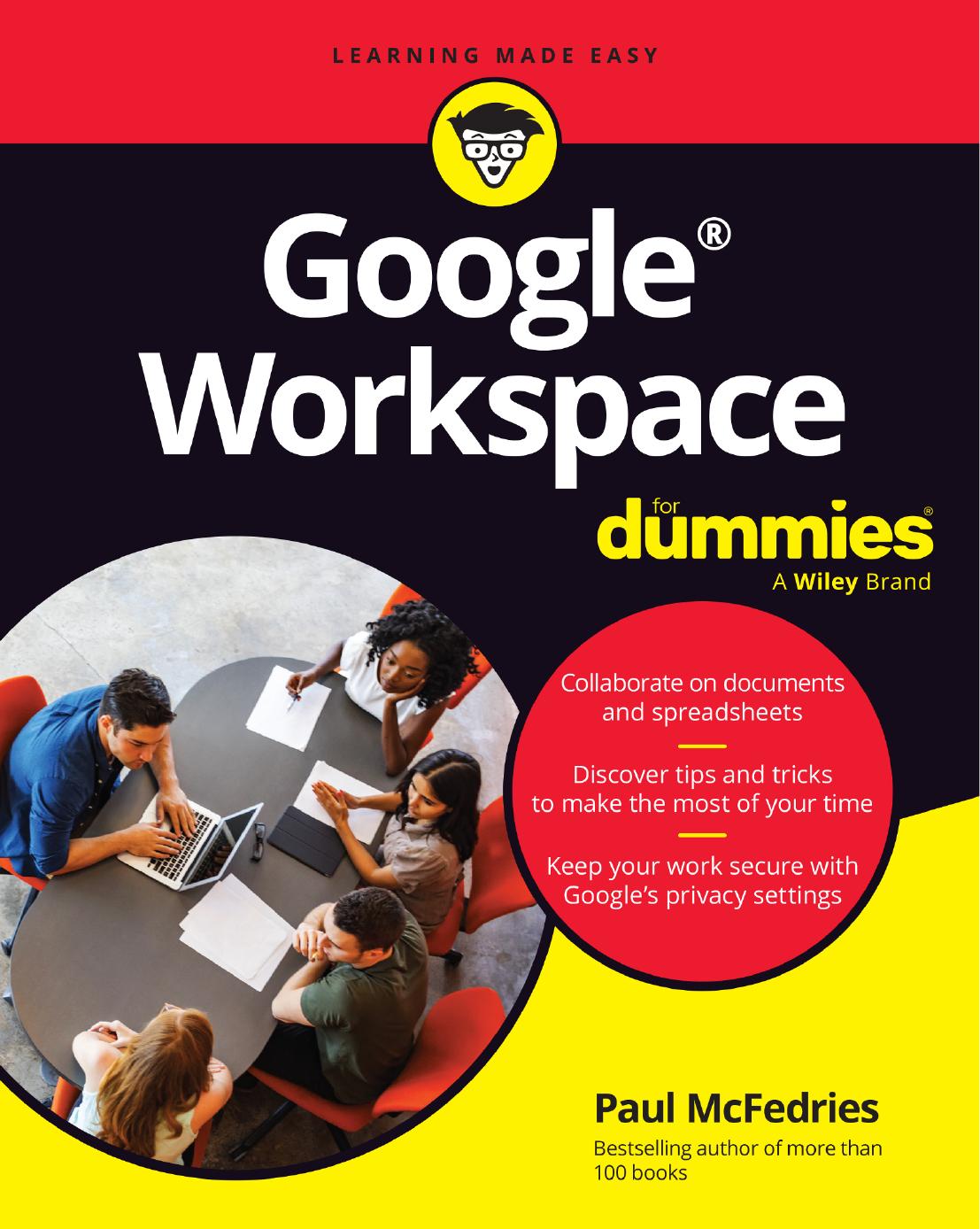
Google Workspace For Dummies For Dummies Computer tech 1st Edition by Paul Mcfedries ISBN 1394253222 9781394253227


Original price was: $50.00.$35.00Current price is: $35.00.
Google Workspace For Dummies For Dummies Computer tech 1st Edition by Paul Mcfedries – Ebook PDF Instant Download/Delivery: 1394253222, 9781394253227
Full download Google Workspace For Dummies For Dummies Computer tech 1st Edition after payment
Product details:
ISBN 10: 1394253222
ISBN 13: 9781394253227
Author: Paul Mcfedries
Google Workspace For Dummies is here to show you the tips and tricks for upping your productivity with Google’s cloud-based software suite. This book includes jargon-free instructions on using Gmail, Calendar, Docs, Sheets, Drive, Chat, and Meet. You’ll learn about the AI features, updated security, compatibility with other apps, picture-in-picture capability for video meetings, and beyond. Plus, you’ll get info on Google’s Forms and Notes feature that makes it simple to gather and share data and stay up-to-date with your team. It’s easier than ever to collaborate securely in the cloud, thanks to this Dummies book.
- Learn how to collaborate with colleagues in real time using the programs that come with Google Workspace
- Create and edit contacts, and set up video meetings
- Work on slides, spreadsheets, and documents
- Discover tips and tricks to increase productivity and keep your work secure
Google Workspace For Dummies is a must for business users and workers who use Google applications on the job. Casual users and students, you’ll love it, too.
Google Workspace For Dummies For Dummies Computer tech 1st Table of contents:
Part 1: Keeping Your Affairs in Order
Chapter 1: Google Workspace: The 50¢ Tour
-
What Is Google Workspace?
-
What You Get with Google Workspace
-
Using Apps Online — Really? Here Are the FAQs
-
Introducing Online Collaboration
-
Going Mobile
Chapter 2: Taming the Email Beast
-
Rhymes with Email: Getting to Know Gmail
-
The Outbox: Sending an Email Message
-
The Inbox: Handling Incoming Messages
-
Dealing with the Onslaught
Chapter 3: Places to Go, People to See: Managing Your Calendar
-
Navigating the Calendar Window
-
Changing the Calendar View
-
Time Traveling: Changing the Date
-
Setting Your Social Schedule: Entering Events
-
Going Calendar Crazy: Adding Even More Calendars
Chapter 4: Friends, Romans, Countrymen: Managing Your Contacts
-
Eyeballing the Contacts App
-
Populating Your Contacts List
-
Managing Your Contacts
-
Doing Stuff with Your Contacts
Part 2: Making Stuff: Documents, Spreadsheets, and More
Chapter 5: Getting Started with Docs
-
Opening Docs
-
Touring the Google Docs Home Page
-
Creating a Shiny, New Document
-
Checking Out the Document Screen
-
Dealing with Documents
-
Learning Some Editing Basics
-
Writing and Refining Text with AI
-
Search and Ye Shall Replace
-
Checking Spelling and Grammar
Chapter 6: Looking Good: Formatting Documents
-
Making Your Characters Look Good
-
Making Your Lines and Paragraphs Look Good
-
Making Looking Good Look Easy with Styles
-
Making Lists, Optionally Checking Them Twice
-
Making a Splash: Adding Graphics
Chapter 7: Fiddling with Document Layout
-
Building a Table with Your Bare Hands
-
Headers and Footers from Head to Toe
-
Changing the Page Setup
-
Working with Columns, Just Like the Pros
-
Show Your Work: Adding Footnotes
Chapter 8: Getting Started with Sheets
-
Opening Sheets
-
Touring the Google Sheets Home Page
-
Creating a Spreadsheet
-
Checking Out the Spreadsheet Screen
-
Dealing with Spreadsheets
-
Understanding Sheet Cells
-
Entering Data
-
Working with Ranges
-
Formatting a Cell
-
Working with Columns and Rows
Chapter 9: Crunching Numbers
-
Building Formulas
-
Using Functions for More Powerful Formulas
-
Using a Range as a Database
-
Visualizing Data with Charts
-
Building Pivot Tables
Chapter 10: Creating Eye-Popping Presentations
-
Opening Slides
-
Touring the Google Slides Home Page
-
Creating a New Presentation File
-
Checking Out the Presentation Screen
-
Dealing with Presentations
-
Working with Slides
-
Working with Theme Builder
-
Formatting Slide Text
-
Animating Your Slides
-
Running a Slide Show
-
Generating Images with AI
Part 3: Collaborating with Your Team
Chapter 11: Collaborating on Files
-
Sharing a File
-
Dealing with Shared Files
-
Working on a Shared File
-
Reviewing a Shared File
Chapter 12: Collaborating with Calendar
-
Inviting Guests to a Meeting
-
Responding to a Meeting Invitation
-
Sharing Your Calendar
-
Subscribing to a Shared Calendar
-
Importing Events
-
Exporting Events
Chapter 13: Setting Up Video Meetings
-
What Do You Need to Use Meet?
-
Starting a Video Meeting
-
Joining a Video Meeting
-
Customizing Video Meeting Settings
-
Sharing Resources During a Video Meeting
Chapter 14: Chatting with Your Team
-
Chatting, Google Workspace Style
-
Exchanging Messages
-
Collaborating with Chat
-
More Collaboration: Congregating in a Chat Space
Chapter 15: Collaborating with Groups
-
Why Create a Group?
-
Investigating the Groups Home Page
-
Understanding Group Roles
-
Finding a Group
-
Joining a Group
-
Posting Messages
-
Responding to Posts
-
Creating a Group
Chapter 16: Collaborating with Forms and Notes
-
Gathering Info with Forms
-
Sharing Notes with Keep
Part 4: The Part of Tens
Chapter 17: Ten Tips for Working from Home
-
Set Your Working Hours
-
Show Your Availability
-
Tell Chat to Chill for a While
-
Keep Up the Face-to-Face Communication
-
Know Which Communications Tools to Use
-
Add Time Zones in Your Calendar
-
Configure Calendar for Speedy Meetings
-
Read Email from Another Account
-
Handle Microsoft 365 Documents
-
Set Up Your Video Conference Space
Chapter 18: Ten Really Useful Gmail Settings
-
Five Splendiferous Send Settings
-
Five Stupendous Read Settings
Chapter 19: Ten Ways to Enhance Privacy and Security
-
Make Sure Your Wi-Fi Network Is Locked Up Tight
-
Secure Your Google Account with a Strong Password
-
Enable Google’s Two-Step Verification
-
Set Up Your Contact Verification Methods
-
Hide Images in Gmail Messages
-
Blocking Senders in Gmail
-
Choose Who Can Access Your Personal Info
-
Manage Your Activity Controls
-
Manage Your Devices
-
Manage Third-Party Apps
People also search for Google Workspace For Dummies For Dummies Computer tech 1st:
google workspace for dummies
google docs for dummies pdf
google suites for dummies
google docs for dummies book
google for dummies pdf
Tags: Paul Mcfedries, Google Workspace, Computer