

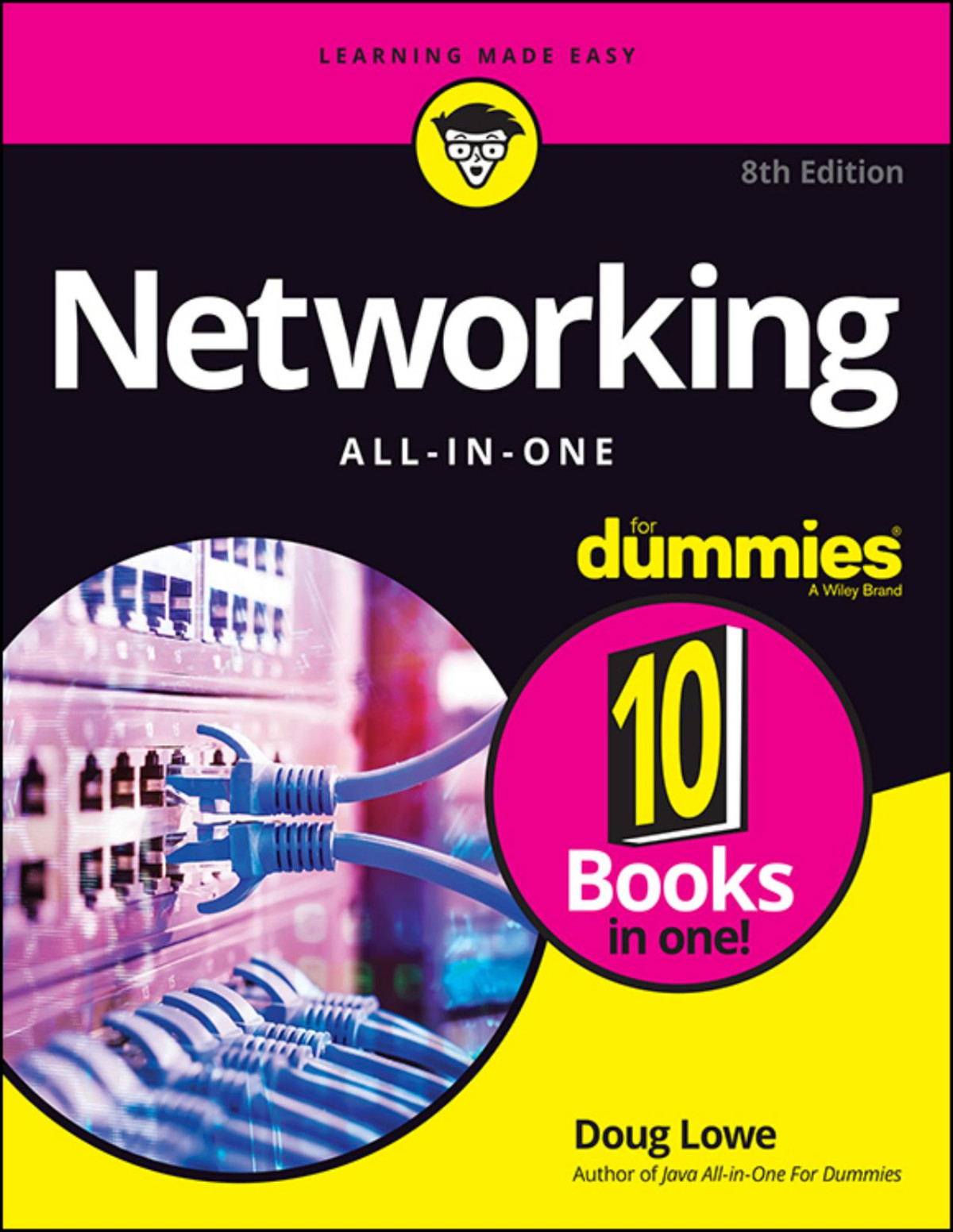
Networking All in One For Dummies 8th Edition by Doug Lowe ISBN 1119689058 9781119689058


Original price was: $50.00.$35.00Current price is: $35.00.
Networking All in One For Dummies 8th Edition by Doug Lowe – Ebook PDF Instant Download/Delivery: 1119689058, 9781119689058
Full download Networking All in One For Dummies 8th Edition after payment
Product details:
ISBN 10: 1119689058
ISBN 13: 9781119689058
Author: Doug Lowe
Your ultimate one-stop networking reference
Designed to replace that groaning shelf-load of dull networking books you’d otherwise have to buy and house, Networking All-in-One For Dummies covers all the basic and not-so-basic information you need to get a network up and running. It also helps you keep it running as it grows more complicated, develops bugs, and encounters all the fun sorts of trouble you expect from a complex system. Ideal both as a starter for newbie administrators and as a handy quick reference for pros, this book is built for speed, allowing you to get past all the basics—like installing and configuring hardware and software, planning your network design, and managing cloud services—so you can get on with what your network is actually intended to do.
In a friendly, jargon-free style, Doug Lowe—an experienced IT Director and prolific tech author—covers the essential, up-to-date information for networking in systems such as Linux and Windows 10 and clues you in on best practices for security, mobile, and more. Each of the nine minibooks demystifies the basics of one key area of network management.
- Plan and administrate your network
- Implement virtualization
- Get your head around networking in the Cloud
- Lock down your security protocols
The best thing about this book? You don’t have to read it all at once to get things done; once you’ve solved the specific issue at hand, you can put it down again and get on with your life. And the next time you need it, it’ll have you covered.
Table of contents:
Book 1: Getting Started with Networking
-
Chapter 1: Welcome to Networking
-
Chapter 2: Network Infrastructure
-
Chapter 3: Switches, Routers, and VLANs
-
Chapter 4: Cybersecurity
-
Chapter 5: Servers and Virtualization
-
Chapter 6: Cloud Computing
Book 2: Understanding Network Protocols
-
Chapter 1: Network Protocols and Standards
-
Chapter 2: TCP/IP and the Internet
-
Chapter 3: IP Addresses
-
Chapter 4: Routing
-
Chapter 5: Dhcp
-
Chapter 6: Dns
-
Chapter 7: TCP/IP Tools and Commands
Book 3: Planning a Network
-
Chapter 1: Local Area Networks
-
Chapter 2: Wide Area Networks
-
Chapter 3: Server Architecture
-
Chapter 4: Virtualization Architecture
-
Chapter 5: Storage Architecture
-
Chapter 6: Backup Architecture
-
Chapter 7: Hyperconverged Infrastructure
Book 4: Implementing a Network
-
Chapter 1: Network Hardware
-
Chapter 2: Wireless Networks
-
Chapter 3: Windows Clients
-
Chapter 4: Mac Networking
-
Chapter 5: Network Printers
-
Chapter 6: Virtual Private Networks
Book 5: Implementing Virtualization
-
Chapter 1: Hyper-V
-
Chapter 2: VMware
-
Chapter 3: Azure
-
Chapter 4: Amazon Web Services
-
Chapter 5: Desktop Virtualization
Book 6: Implementing Windows Server 2019
-
Chapter 1: Installing Windows Server 2019
-
Chapter 2: Configuring Windows Server 2019
-
Chapter 3: Configuring Active Directory
-
Chapter 4: Configuring User Accounts
-
Chapter 5: Configuring a File Server
-
Chapter 6: Using Group Policy
-
Chapter 7: Typing Windows Commands
-
Chapter 8: Using PowerShell
Book 7: Administering Microsoft Office 365
-
Chapter 1: Getting Started with Office 365 Administration
-
Chapter 2: Configuring Exchange Online
-
Chapter 3: Administering Teams
Book 8: Implementing Linux
-
Chapter 1: Installing a Linux Server
-
Chapter 2: Linux Administration
-
Chapter 3: Basic Linux Network Configuration
-
Chapter 4: Running DHCP and DNS
-
Chapter 5: Doing the Samba Dance
-
Chapter 6: Running Apache
-
Chapter 7: Running Postfix
-
Chapter 8: Linux Commands
Book 9: Managing a Network
-
Chapter 1: Welcome to Network Administration
-
Chapter 2: Managing Remotely
-
Chapter 3: Managing Network Assets
-
Chapter 4: Solving Network Problems
-
Chapter 5: Managing Software Deployment
-
Chapter 6: Managing Mobile Devices
Book 10: Dealing with Cybersecurity
-
Chapter 1: Securing Your Users
-
Chapter 2: Managing Firewalls and Virus Protection
-
Chapter 3: Dealing with Spam
-
Chapter 4: Managing Disaster Recovery and Business Continuity Planning
People also search for:
7 networking tips
general networking
one network jobs
synopsis of networking all in one for dummies
networking all in one for dummies reddit
networking all in one for dummies latest edition pdf download
Tags: Doug Lowe, Networking, All in One, Dummies